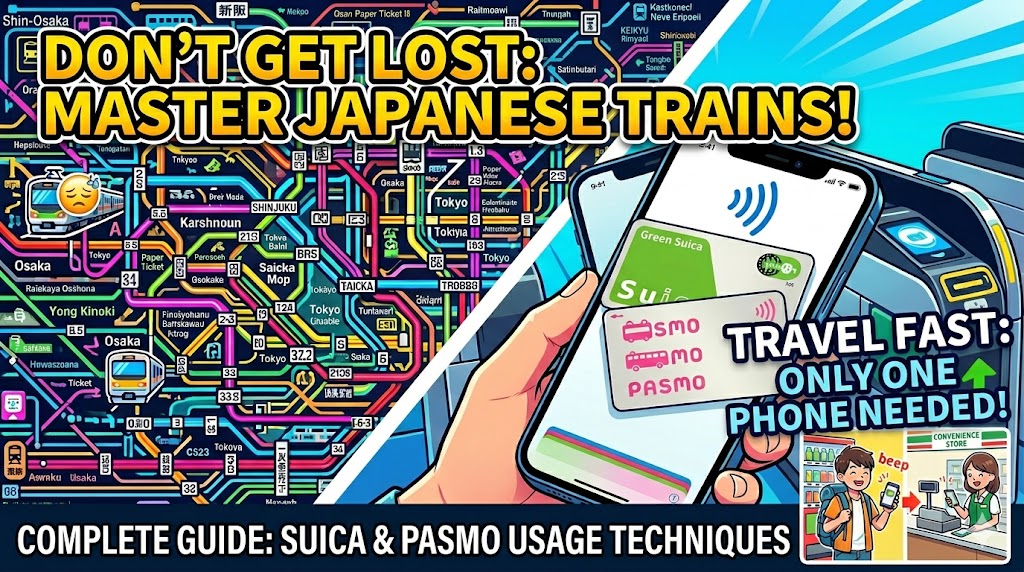
Navigating Japan’s Trains with Ease: A Smart Guide to Suica and PASMO (IC Cards)
Setting up a Suica or PASMO saves you hours of standing in ticket lines, giving you much more precious time to hunt for rare cards and explore Japan's amazing sights. If you're an iPhone user, set up Apple Pay before you leave. If you're on Android, grab a Welcome Suica at the airport, and get ready for a completely seamless Japanese TCG adventure!
Major Japanese cities like Tokyo and Osaka boast some of the world's most sophisticated and complex railway networks. With multiple operators like JR, subways, and private lines woven together, buying a paper ticket every time you transfer can quickly become a major headache.
To save time and stress, a prepaid IC card (smart transit card) like Suica or PASMO is an absolute lifesaver. This guide covers how to use these magical cards smartly and how to get one tailored for your trip.
1. More Than Just Trains—IC Cards Are Your All-In-One Tool
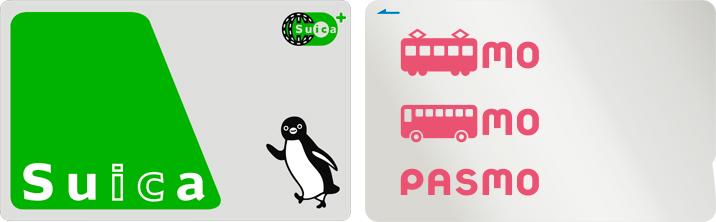
Beyond tapping through train ticket gates and bus readers with a simple "beep," Suica and PASMO double as incredibly versatile e-money tools all over town.
Convenience Stores & Vending Machines: Pay instantly for drinks, snacks, and treats without having to fumble around for loose coins.
Station Coin Lockers: Many electronic lockers at train stations use your IC card as the digital key to lock and unlock your belongings.
TCG Shop Transactions: Many card shops and major electronics retailers (like Yodobashi Camera) in Akihabara or Nipponbashi accept IC cards. It’s perfect for buying cheap single cards or loose packs quickly!
2. The Easiest Way: Add It to Your Smartphone (Apple Pay)
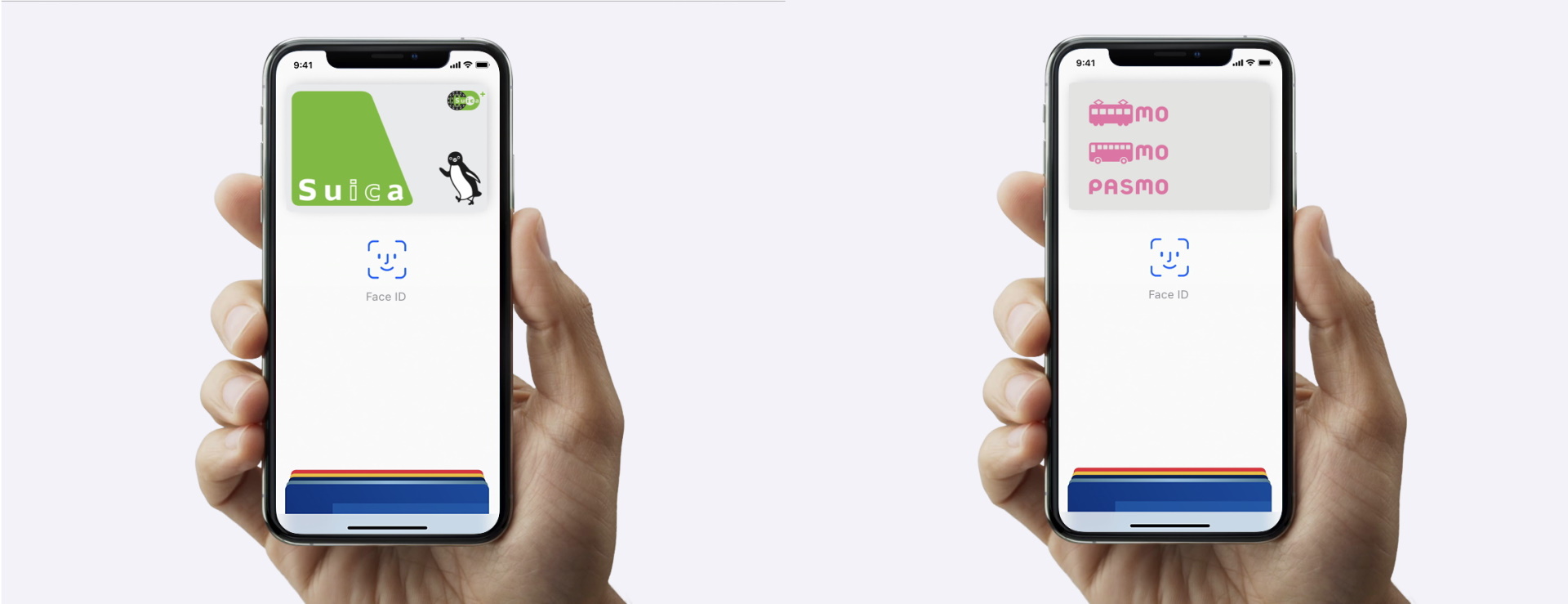
If you use an iPhone, you can set up a digital Suica or PASMO inside your phone right now—even before you board your flight to Japan. This is by far the most convenient option.
【How to Add to iPhone (Apple Pay)】
Open the Wallet app on your iPhone.
Tap the "+" icon in the top right corner and select "Transit Card."
Search and select "Suica" or "PASMO," and follow the prompts to load money onto it.
Important Note on Top-ups: When charging with a foreign credit card, Mastercard and American Express usually work seamlessly, while some foreign Visa cards may occasionally result in transaction errors.
(Note for Android Users: Most Android devices purchased outside of Japan do not support the specific contactless standard (FeliCa) required for Japanese transit gates. We highly recommend purchasing a physical card instead, as explained below.)
3. Physical Cards for Tourists: "Welcome Suica"
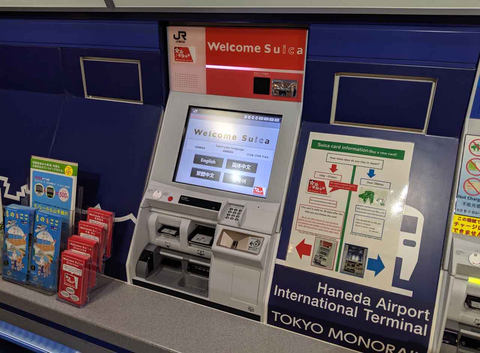
If you can't use a digital card on your phone, you should purchase a "Welcome Suica"—a physical card designed specifically for short-term foreign visitors.
Features: Unlike regular IC cards, the Welcome Suica does not require the standard 500 JPY deposit, so you can use your full balance immediately. It is valid for 28 days from your first use, and you can keep the physical card as a unique souvenir of your trip to Japan.
Where to Buy: You can find them at dedicated red vending machines located at train stations inside Narita and Haneda airports.
4. How to Top Up (Charge) Your Card
For Apple Pay Users: You can easily add money directly on your phone anytime, anywhere, using your registered credit card.
For Physical Card Users: You can top up your card at automated ticket machines inside train stations or at the cash registers of convenience stores. However, physical cards can only be topped up with Japanese Yen cash, so make sure to carry a bit of paper currency with you.
5. Need Help? Support and Contact Information
If you encounter an error at a ticket gate or have trouble checking your balance, help is always close at hand.
Visit the Station Gate Ticket Window: If your card causes a gate to beep and close, simply walk over to the glass window next to the gates and talk to the station staff. Show them your card or phone, and they will fix the error or let you know if you simply ran out of funds.
JR East Infoline: An official, multi-language telephone support line specifically set up for foreign travelers using JR East lines and Welcome Suica/Suica cards. (Available in English, Chinese, and Korean).
Phone: 050-2016-1603
Japan Visitor Hotline (JNTO): For general transit questions or assistance with any daily travel snags, you can call this 24/7 tourist support hotline managed by the government.
Phone: 050-3816-2787